

Can you see my screen?
No. Your screen, keyboard and mouse input, and text are end-to-end encrypted between your two devices, and the keys exist only on those two devices. When data is relayed through the server, all the server gets is encrypted data. Only devices you’ve allowed can connect to your computer.
Can I use it without signing in?
Yes. Connecting with the device code and temporary password shown on the computer, or adding it by scanning, doesn’t need an account. Once you sign in with Apple or Google, your computers show up on all your devices automatically.
What do I install on the computer I want to control?
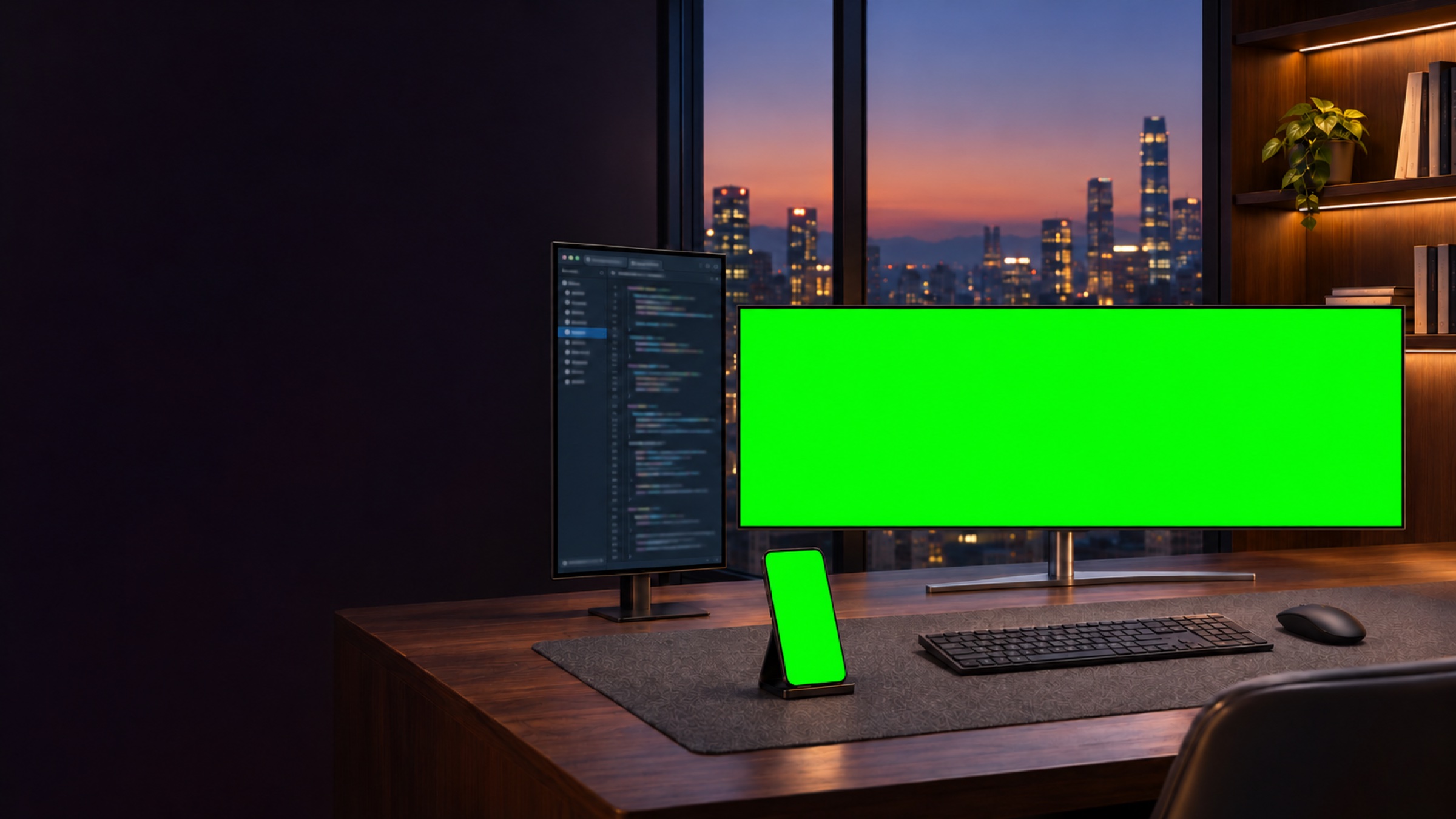
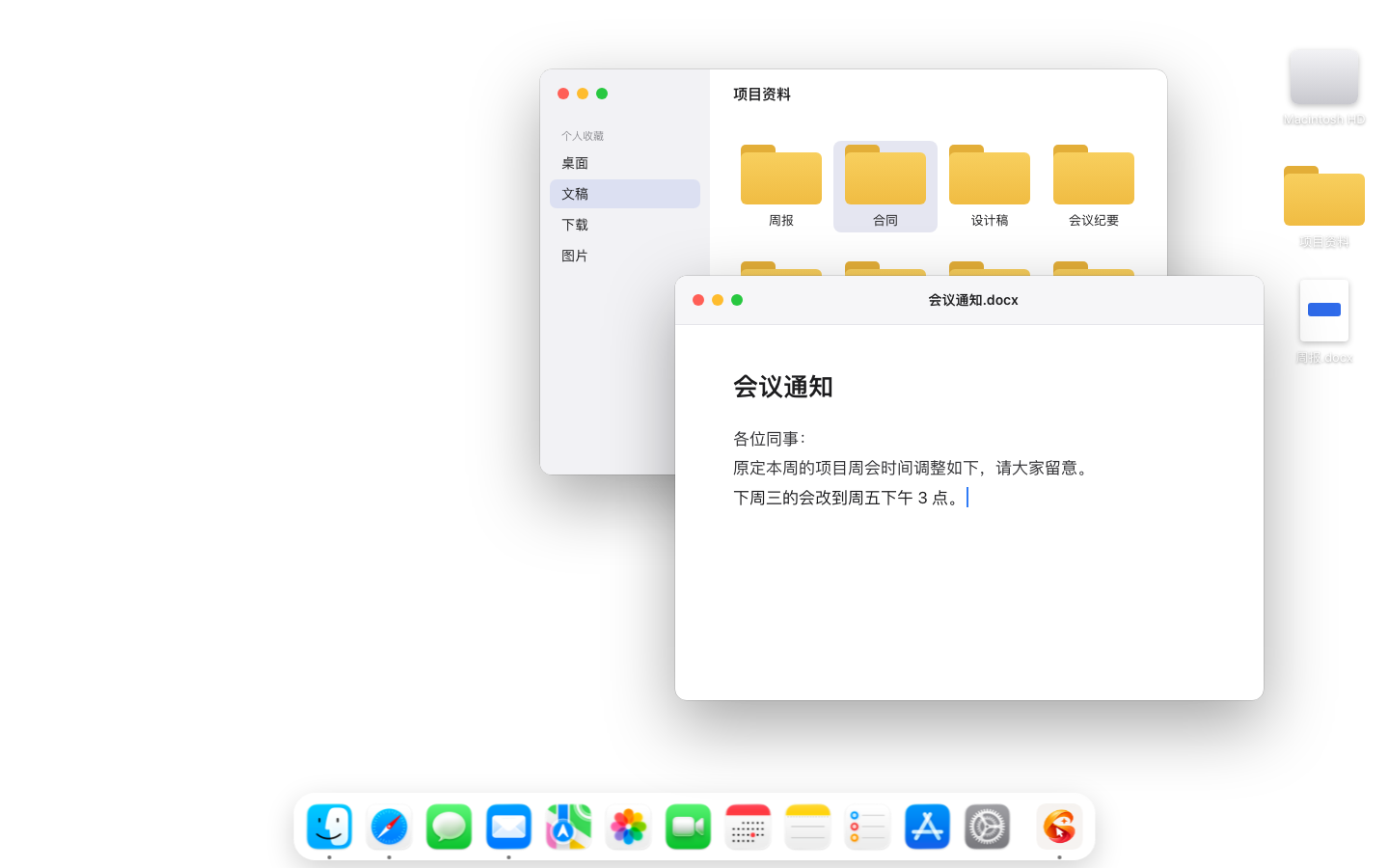
Install SpeckDesk on the computer and turn on Screen Recording and Accessibility permissions when prompted. It currently supports macOS 14 or later. The Windows app is coming soon.
Does it work on Android phones?
Yes. Get it on Google Play, or download the installer (APK) directly from our website. Android phones and tablets can both act as a remote for your computer.
Does it work on cellular data?
Yes. The picture is compressed with hardware encoding, and data use depends on how much the screen changes. To save data, adjust the quality and frame rate in “Quality & displays.”
Is my voice saved?
With on-device recognition only, your voice doesn’t leave your phone. With cloud recognition and AI cleanup turned on, your voice and text are sent encrypted to the recognition service to be recognized and cleaned up.
- 1Keys stay on your devicesWhen you pair, your phone and computer exchange keys directly, and the keys exist only on those two devices.
- 2New keys for every connectionYour screen, keyboard and mouse input, and voice text are encrypted before they leave your device.
- 3The server only connects, never storesIt has no keys. It can’t see your screen, keyboard and mouse input, or voice text, doesn’t store them, and can’t pretend to be your phone.
Even the SpeckDesk server can’t see your screen or connect to your computer.
SpeckDesk
Your computer,
from your phone.
Remote control in original quality. Just speak to type. Your screen, keyboard and mouse input, and text are end-to-end encrypted, and only devices you’ve allowed can connect.
Quality
Original quality. Original frame rate.
Streamed at your computer’s native resolution, so even small text stays sharp at 10× zoom.
End-to-end encryption
Your computer
answers only to you.
The keys live only on your two devices. The server just relays gibberish it can’t read.
Voice typing
Just say it.
Your computer types it.
Tap the mic and talk. AI cleans it up, then types it at the cursor.
Vibe Coding
Say what you need. Hit return.
Watch AI write the code.
The bottom bar is built for AI coding: speak your request, pick with the arrow keys, confirm with return.
Keyboard
A full-size keyboard,
or the one you already use.
Esc, Ctrl, and Cmd are all there. When the keyboard pops up, the spot you’re typing in moves up automatically.
Touch
As easy as a trackpad.
The whole screen is a trackpad. Tap with two fingers to right-click.
Displays & computers
Several screens, several computers.
One tap to switch.
Switch external displays with one tap, and stay connected to several computers at once.
Connect
Add a computer
with one scan.
Show the QR code on your computer, and one scan with your phone adds it.
FAQ
Still have questions?
Start here.
Didn’t find your answer? Contact Support.

Get started now.
Free to download. Works without signing in.
All platforms
© 2026 SpeckDesk
Your computer,
from your phone.
Remote control in original quality. Just speak to type.
Sign in to SpeckDesk
Once you sign in, your computers appear on all your devices. Here you can also rename computers, remove them from your account, and view your membership.
By continuing, you agree to the Terms of Use and Privacy Policy.

